







VIS-UHD0809-VW-A_معالج_جدار_الفيديو_المدمج_دليل_مستخدم_الأجهزة
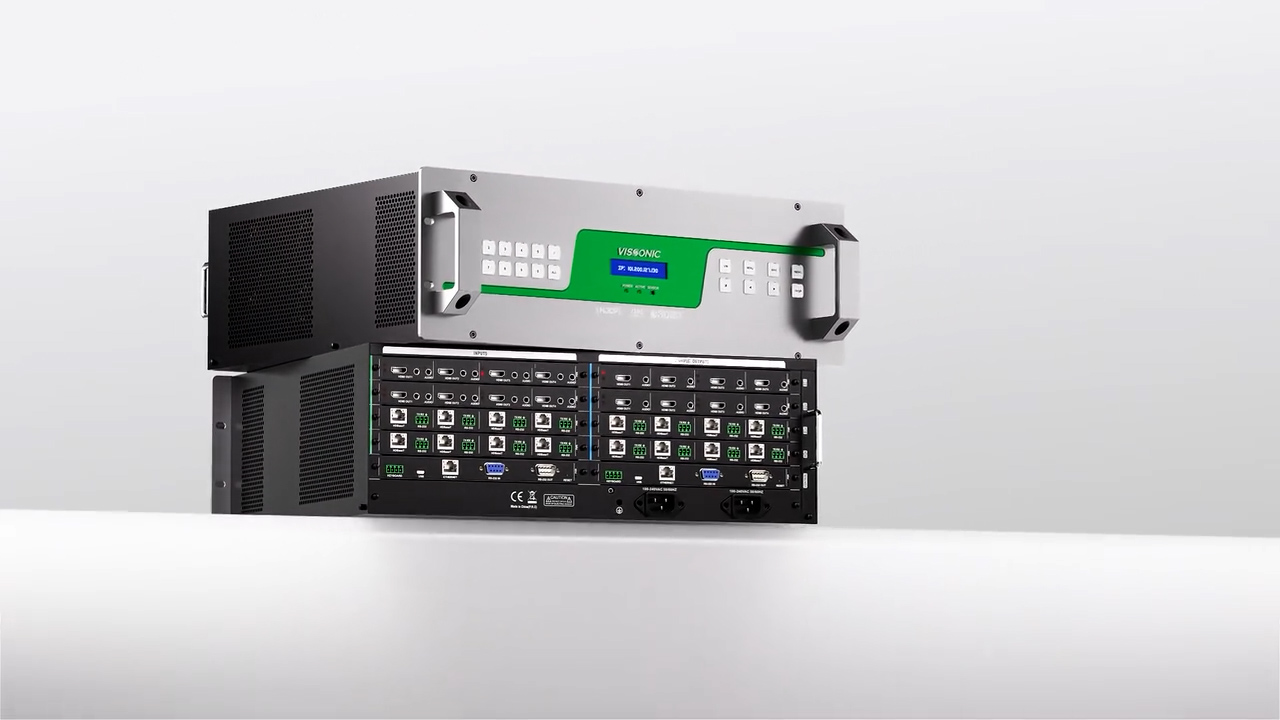
يصف هذا الدليل بشكل أساسي الاستخدام ومعلمات الأداء واستكشاف الأخطاء وإصلاحها لمعالج جدار الفيديو المدمج VIS-UHD0809-VW-A.
1. System Overview ....................................................................................................... 1
1.1. Functions ..........................................................................................................1
1.2. Features ............................................................................................................ 1
2. Panel Introduction ......................................................................................................3
3. Front Panel Button Operation Instructions ................................................................ 5
3.1. Matrix Switching ............................................................................................. 5
3.2. Save Call Switching Status .............................................................................. 5
3.3. Query and Settings ...........................................................................................6
4. Specifications .............................................................................................................7
5. System Diagram .........................................................................................................8
6. Web Control ............................................................................................................... 9
6.1. Connection ....................................................................................................... 9
6.2. IP Address Configuration .................................................................................9
6.3. Web Login ......................................................................................................10
6.4. Web Interface ................................................................................................. 10
6.4.1. Matrix ...................................................................................................11
6.4.1.1. Signal Source List ...................................................................... 12
6.4.1.2. Signal List Right-Click Functions ............................................. 12
6.4.1.3. Display Mode .............................................................................16
6.4.1.4. Video Wall Layout ..................................................................... 16
6.4.1.5. Subtitle Setting ...........................................................................17
6.4.1.6. Patrol Settings ............................................................................ 18
6.4.1.7. Full Screen ................................................................................. 18
6.4.1.8. Lock ........................................................................................... 18
6.4.1.9. Disable All Windows ................................................................. 18
6.4.1.10. Video Wall Management ..........................................................19
6.4.1.11. Matrix Preset ............................................................................ 22
6.4.2. Audio ....................................................................................................23
6.4.2.1. Audio Signal List Right-Click Functions ...................................24
6.4.3. Control ................................................................................................. 25
6.4.4. Setting .................................................................................................. 26
6.4.4.1. Version ....................................................................................... 26
6.4.4.2. System setting ............................................................................ 26
6.4.4.3. User Manage .............................................................................. 27
6.4.4.4. System Update ........................................................................... 28
7. Network Protocol ..................................................................................................... 29
8. Common Faults and Solutions ................................................................................. 37